
FormCan User Guide
Create Web Form from Template
Tabs
You can speed up your form creation with form templates. Instead of starting from a blank page, you can pick a ready-made template—such as an application, checklist, or survey—and customize it to fit your needs. Browse all 1,000+ templates to find one that matches your use case.
Note
Templates support both Classic and Conversational modes.
Create a form from template
Follow these steps:
-
Log in to your FormCan account.
-
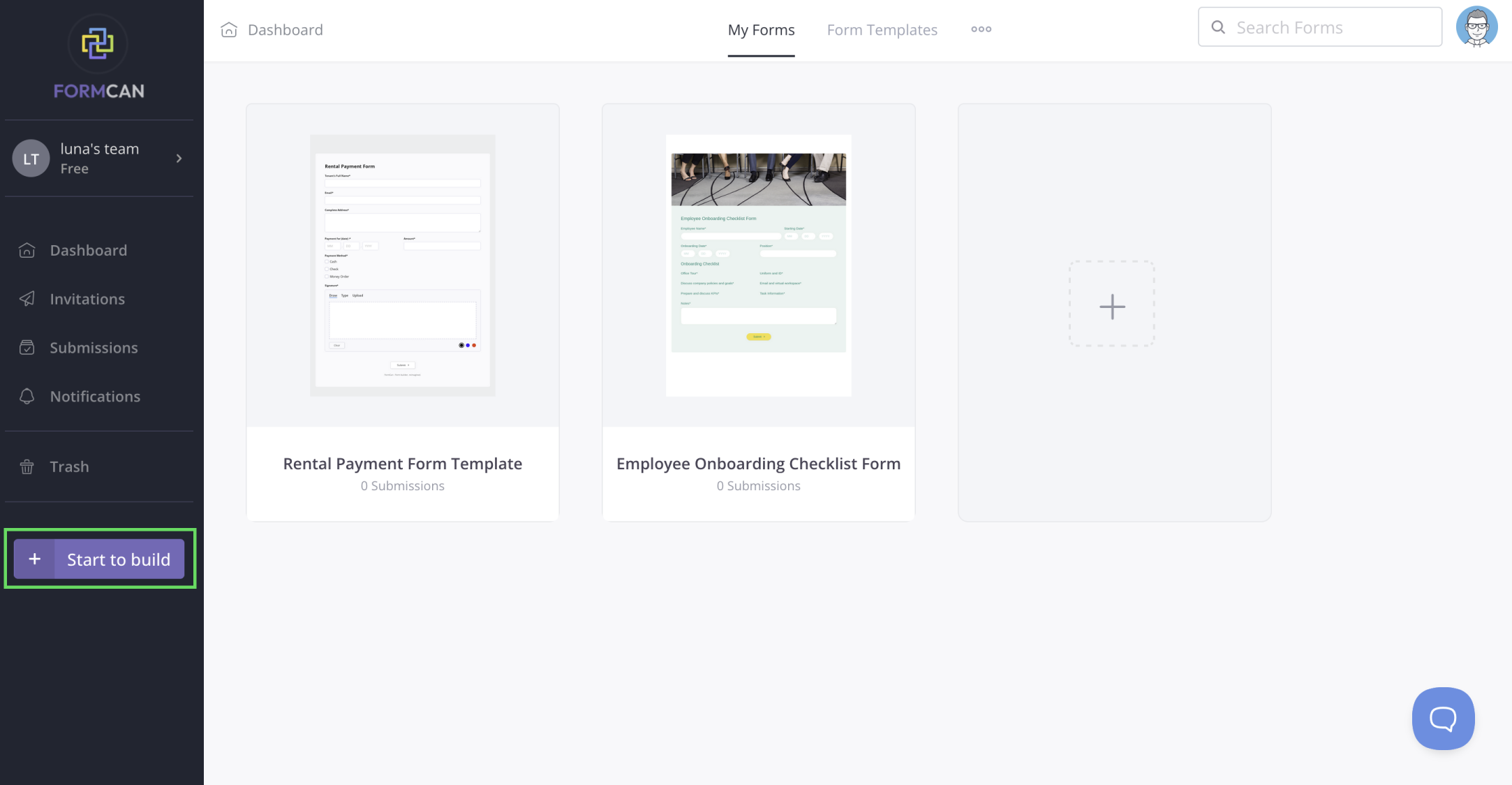
On the Dashboard, click + Start to build at the bottom left.
-
In the pop-up window, under Web Form, choose Start from a template.
-
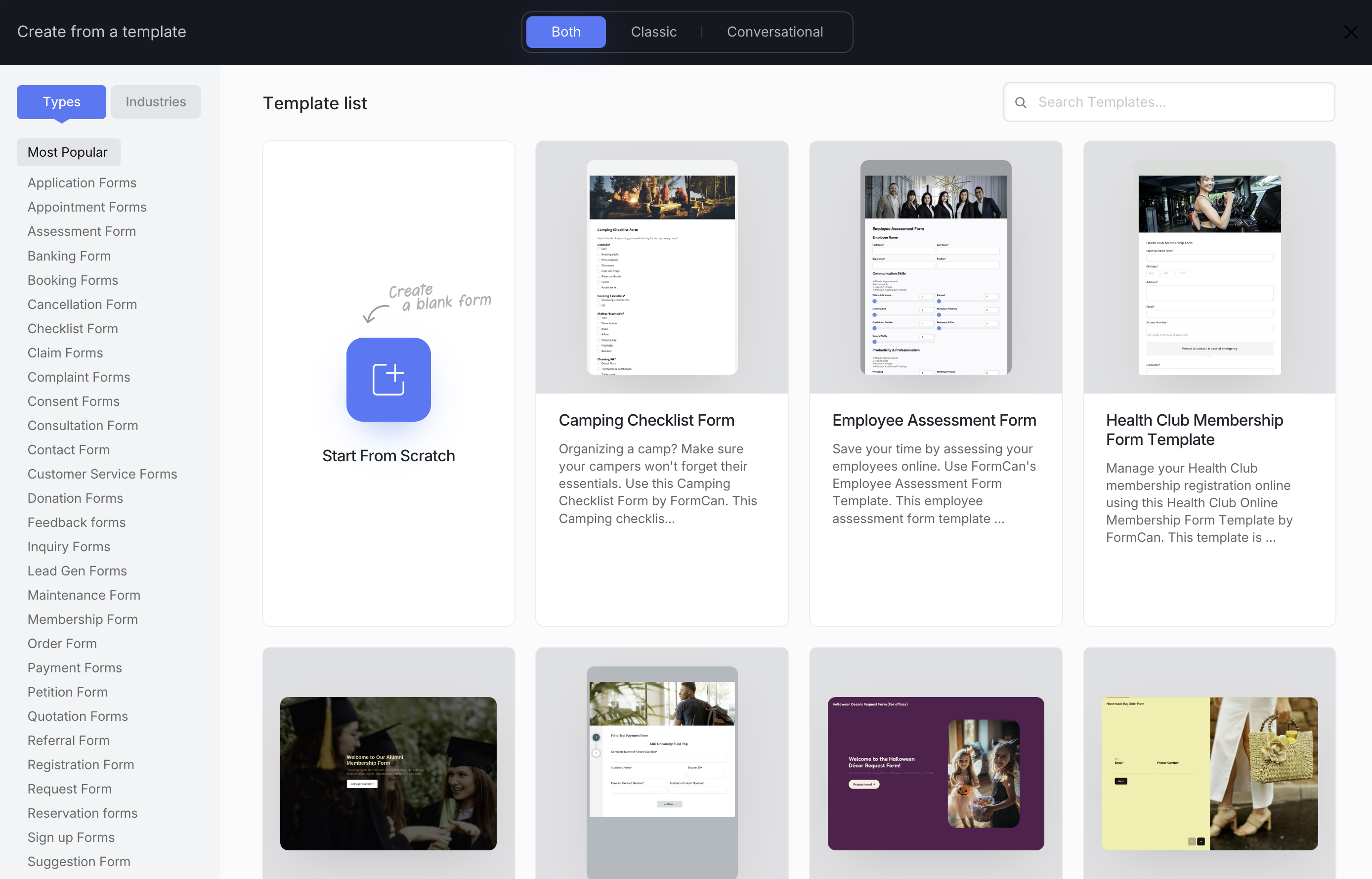
The Create from a template window will open. Here you can:
- Start from Scratch - create a blank form.
- Choose a Template - pick from ready-to-use templates.
-
Use the options at the top to filter your templates:
- Both / Classic / Conversational - choose your preferred form style.
- Search bar - quickly find a specific template by name.
- Types / Industries - browse by category (e.g., Application, Checklist, Survey, Healthcare).
-
Click a template to preview it, then select Use Template to open it in the form builder.